
Turn a website idea into a structured brief
Answer a short set of questions about your business, audience and goals, and the tool assembles a structured brief you can hand to a designer or copywriter. Treat the draft as a starting point that still needs your judgement.
How to use Website Brief Starter to write a brief someone else can work from
Website Brief Starter turns a set of questions about your company, audience and tone into a structured brief you can hand to a copywriter, an agency or an AI tool without them guessing at the gaps. It structures what you type in, so the facts inside it are only as sound as what you supply. Want to understand what belongs in a brief before you start? Read the Website Brief Starter Tool Guide.
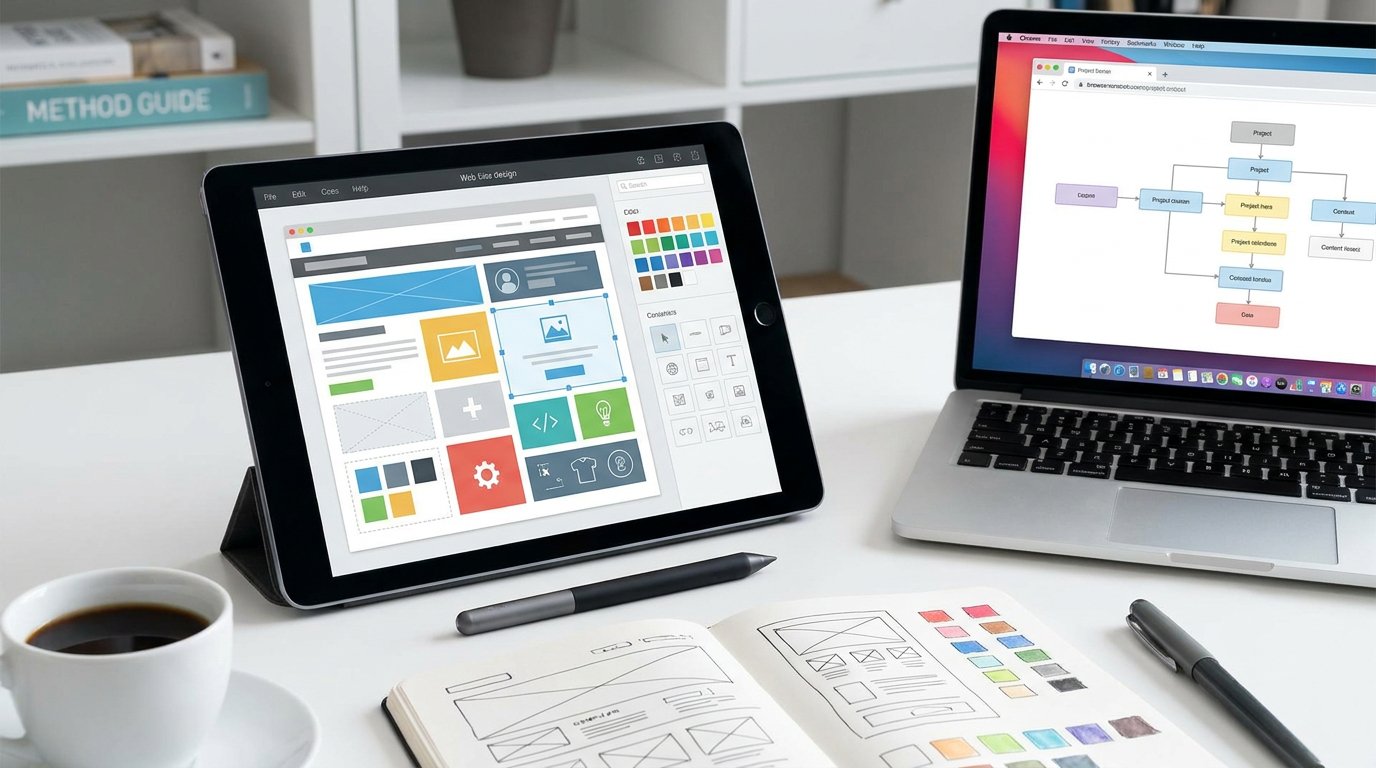
-
Set out the company facts
Fill in the facts that will not change once the site is live, such as the company name, industry and the services on offer, so the brief starts from what is actually true.
-
Describe the audience and tone
Answer questions about who the site is for and how it should sound, which gives whoever writes the copy a register to work in.
-
Check the brief before you send it
Read the finished brief for gaps or claims that do not hold up before sending it on to a copywriter, an agency or a tool such as Insight Injector.
Website Brief Starter
Answer a few quick questions about your business and what you need. At the end you get a summary of your answers that you can copy and send to whoever is writing or building your site.
Turn a few answers into a website brief you can hand over
The Website Brief Starter asks about your business, audience and goals, then turns your answers into a structured document covering format, audience and constraint, the way a working brief should. It suits founders writing their first brief, marketers commissioning a new site, and copywriters who want a starting point to check and adjust. Read the Website Brief Starter Tool Guide first if you want to know what a brief needs to contain before you start.
No sign-up · runs in your browser · free to use
Popular Tools

Headline Scorer — Free Browser Tool
Score your headline across word count, power words, emotional balance, clarity and character limits — with clear, everyday English improvement suggestions. No login, no paywall.
Headline Scorer — Free Tool | Copy Online
Readability and Clarity Checker — Free Browser Tool
Paste your commercial copy and get a Flesch-Kincaid reading level, sentence length, passive voice count, jargon flags and a clarity verdict — free, instant, no login.
Readability and Clarity Checker — Free Tool | Copy Online
Call-to-Action Tester — Free Browser Tool
Test your CTA for verb strength, specificity, length and pattern match against high-performing structures — with three alternative suggestions. Free, instant, no login.
Call-to-Action Tester — Free Tool | Copy Online
Length and Character Counter — Free Browser Tool
Paste your copy and see word count, character count and whether it fits Google Ads, email subject lines, meta descriptions, Twitter/X, LinkedIn and SMS limits — instantly, free.
Length and Character Counter — Free Tool | Copy Online
Insight Injector — Free Browser Tool
Turn a bland product or service description into copy with genuine customer insight — paste your draft, add one real thing you know about your buyer, and see the difference.
Tools / Insight Injector
Website Brief Starter — Free Browser Tool
Answer a few questions about your business and get a structured website brief you can hand to a designer or copywriter — free, instant, no login required.
Tools / Website Brief Starter